Start with the civic waterfront
At Dokk1, look at how the library and public space meet the harbour. Check library access before depending on an indoor pause, and keep event or working areas clear. This is a useful route anchor rather than a mandatory paid attraction.
Mobile data for your trip. Check what your current plan includes for roaming. If you need another option for maps, messages and booking details, compare NXTL eSIM coverage and rates. Check that your phone supports eSIM and is unlocked, and check coverage for every stop. Download important maps and confirmations for offline use too.
Continue towards Aarhus Ø
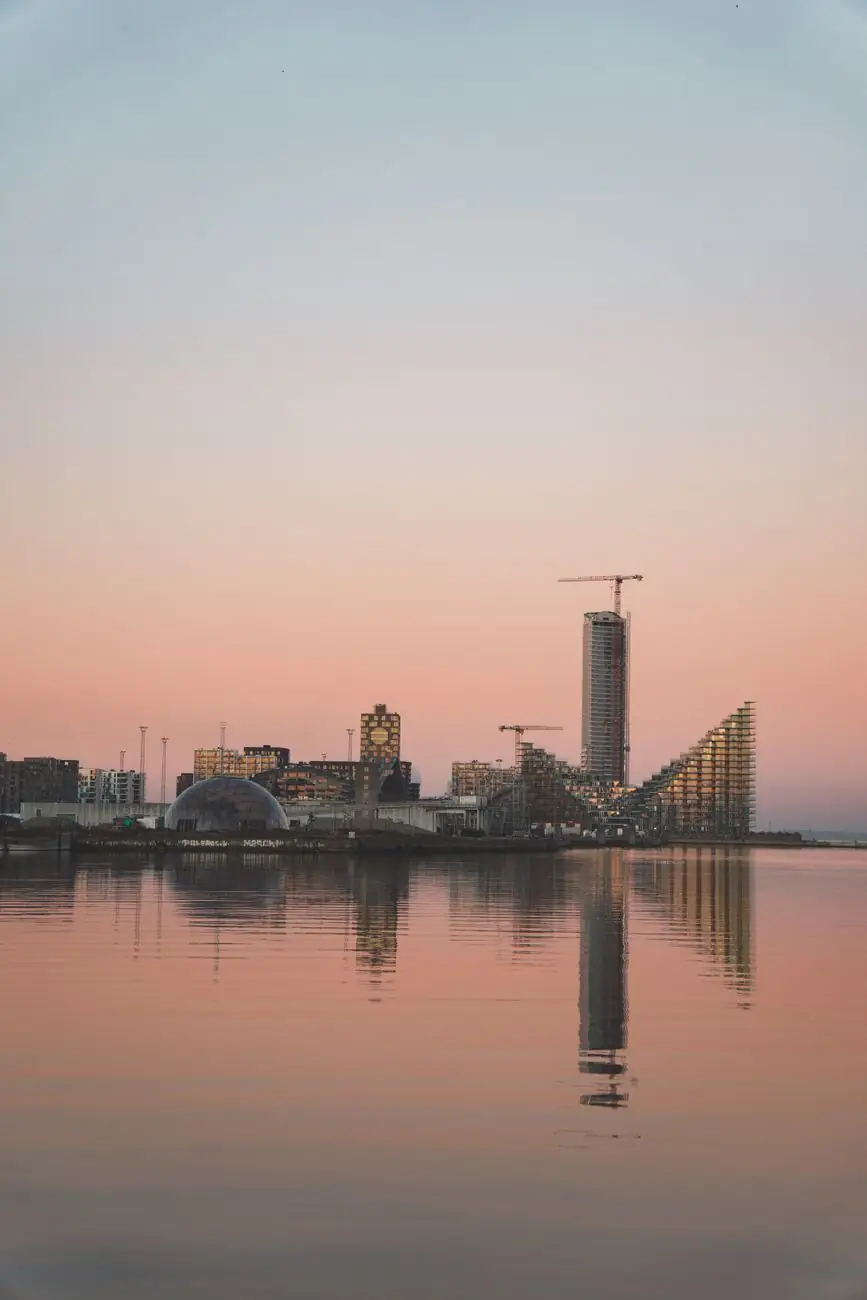
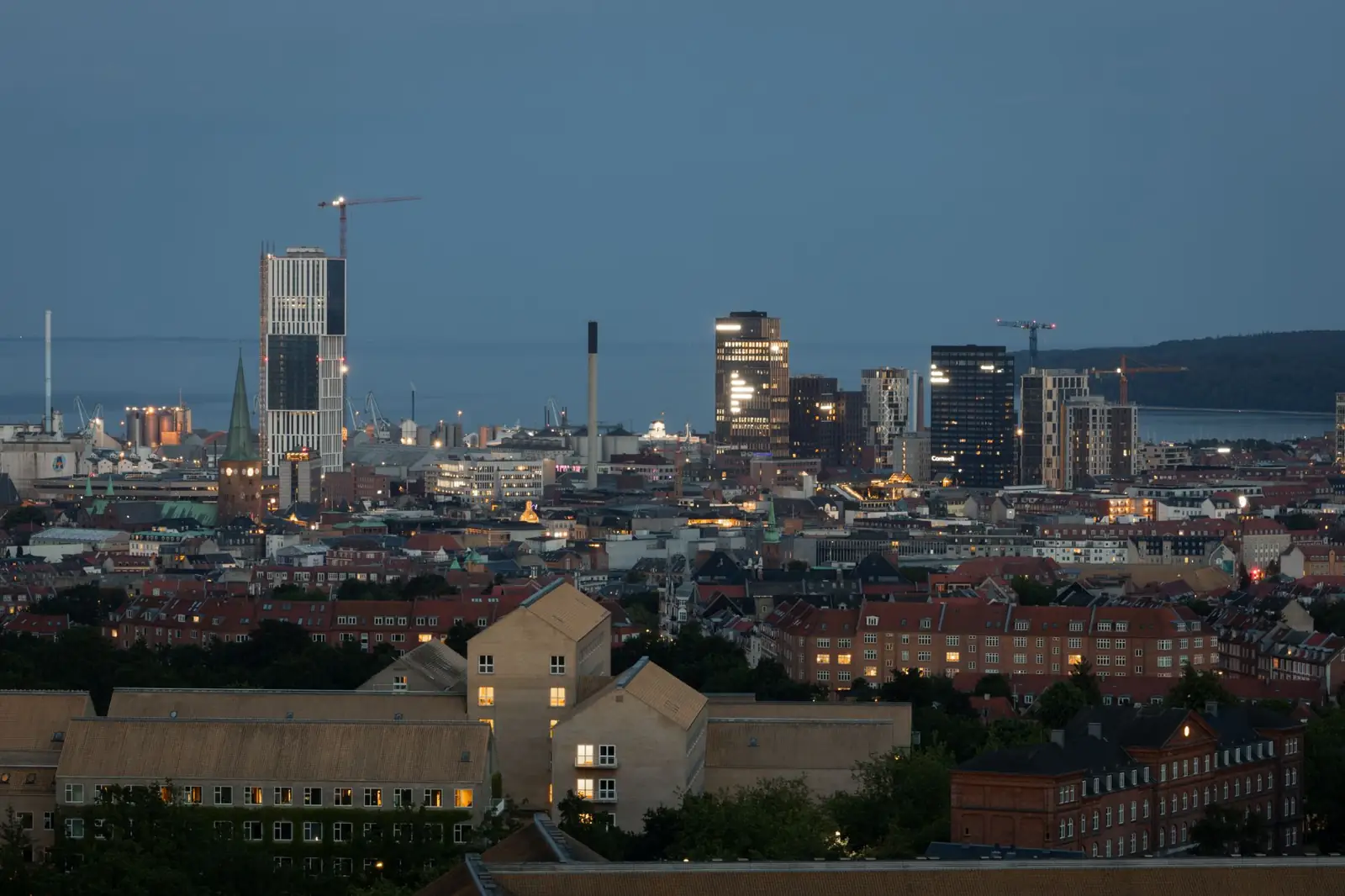
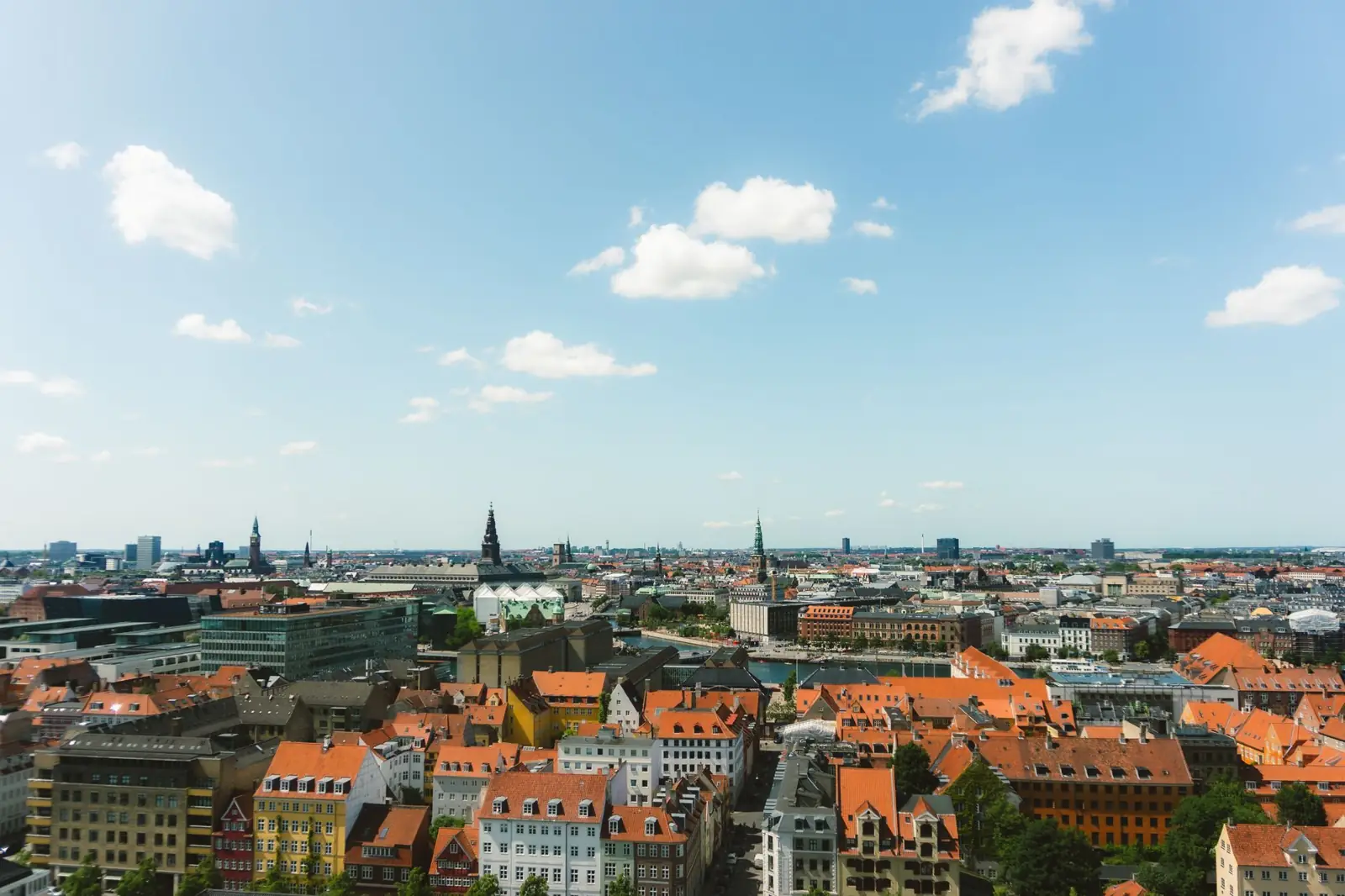
Follow permitted pedestrian paths to the newer harbour district. Compare the taller skyline with the older city behind you. Windproof clothing helps here even when a café terrace inland felt warm.
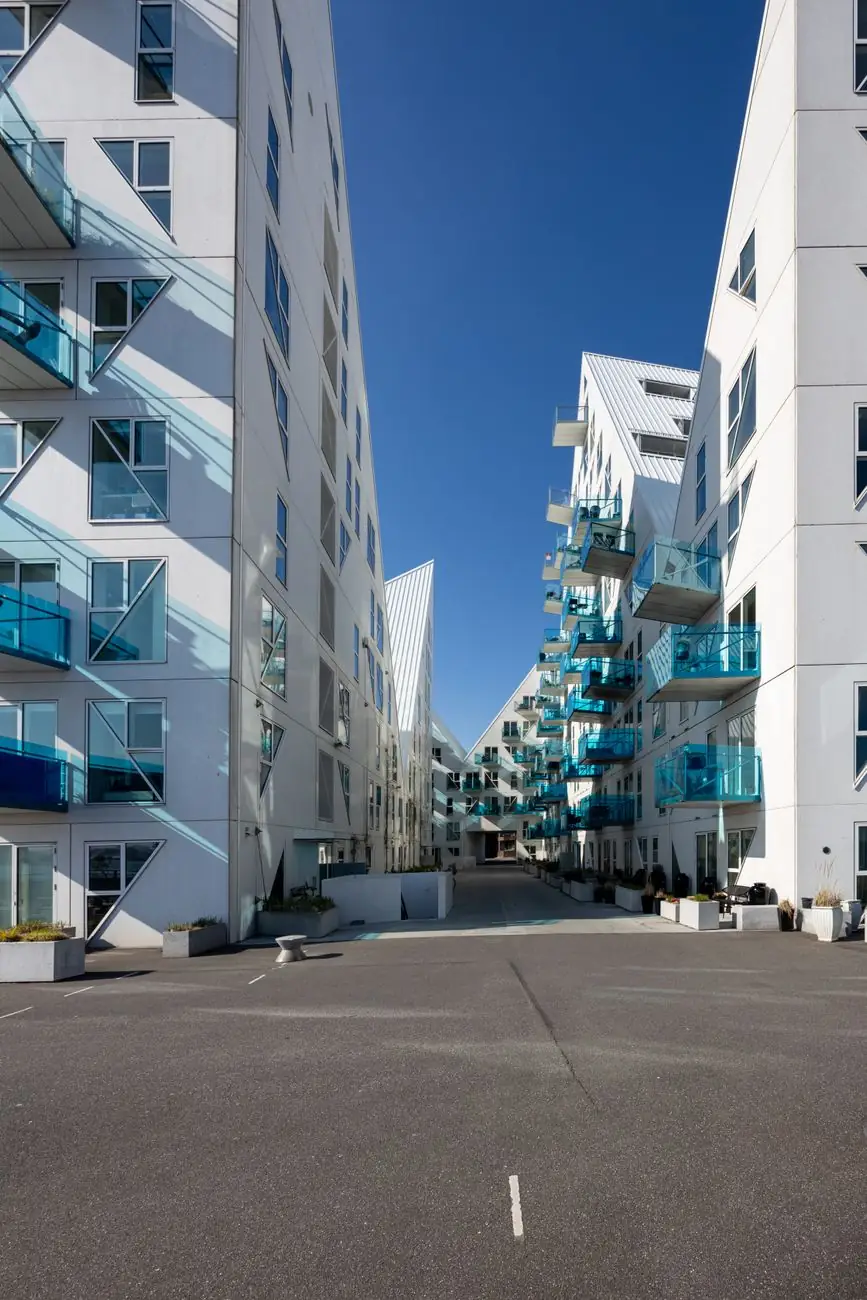
Look at Isbjerget from public space
The angular apartment buildings are best treated as residential architecture. Photograph from available public streets without entering private courtyards or assuming a building interior is a tourist attraction.
Choose a return that suits the weather
If you are tired, use the current Midttrafik journey planner for a return instead of extending the route along every quay. For a shorter walk, stay around Dokk1 and the inner harbour. Put an ARoS visit on another half-day so neither outing becomes a hurried transit.
Turn back without losing the outing
If the exposed stretch towards Aarhus Ø feels too windy, keep Dokk1 and the central harbour as the complete walk. Isbjerget is an optional northern anchor, not a reason to press on in unpleasant conditions. Save the residential waterfront for another clear spell.
Check before you go
Opening arrangements and visitor rules can change. Check the official information before your trip.